Vol. 7 · 2026Open AccessSecure form
← Back to journal
Checkpoint 1 of 4

Tell us who you are

We use this to match your payment and send confirmations.

Enter your first name
Enter your last name
Enter a valid email address
Enter a valid phone number
Checkpoint 2 of 4

Link your manuscript

Use the manuscript number from your acceptance email.

Enter your manuscript number
Checkpoint 3 of 4

Pay & upload proof

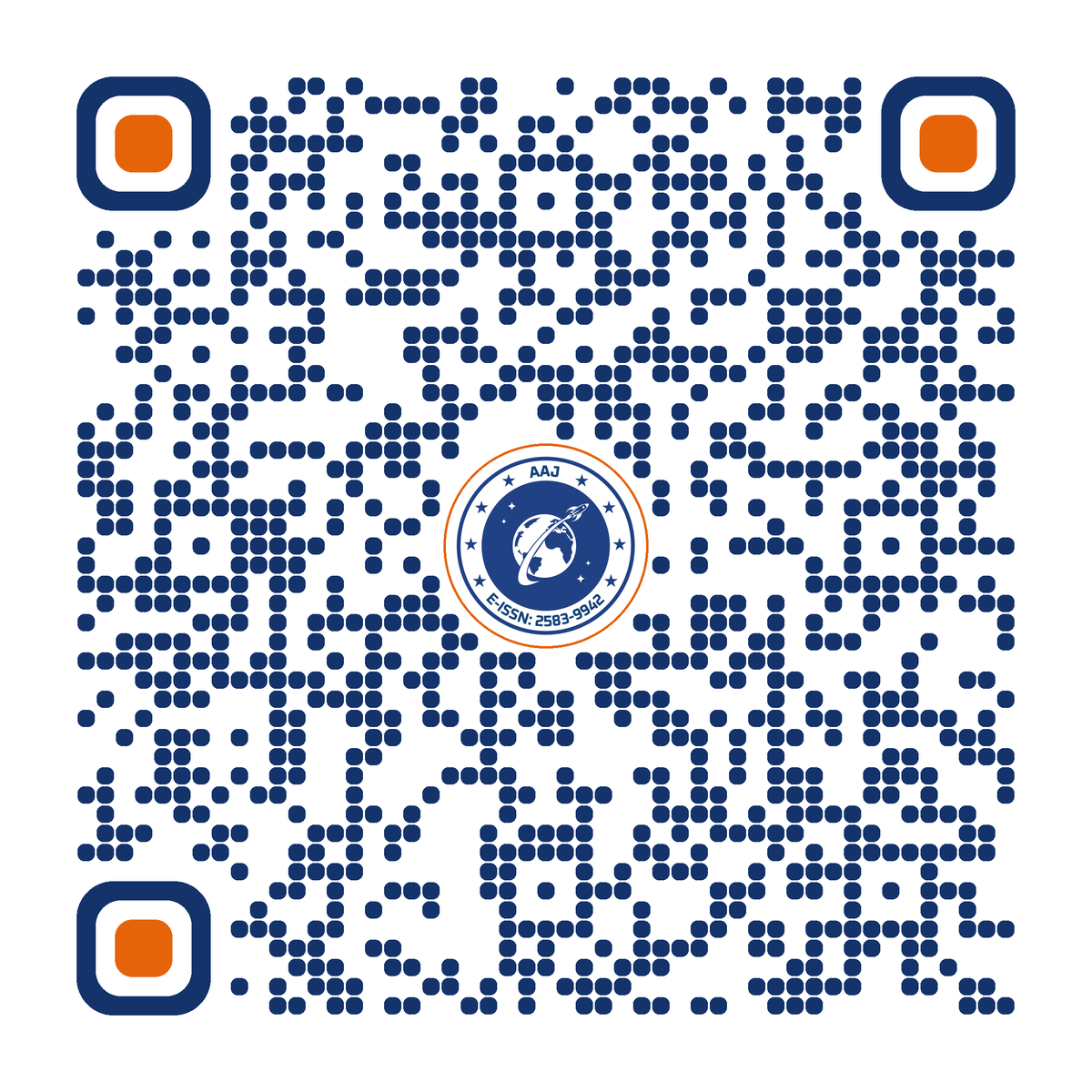
Scan the QR, complete the payment, then attach your screenshot.

Scan with any UPI app

How it works

  1. Open any UPI app and scan the code.
  2. Pay your APC amount.
  3. Note the UTR / transaction ID.
  4. Upload the success screenshot below.
PhonePeGPayPaytmBHIM
₹
Enter the amount you paid
Found in your UPI app’s payment details. How to find it
Payment proof *
Drop your screenshot here or browseJPG, PNG, GIF or PDF · max 5 MB
Attach a valid payment proof (image or PDF, up to 5 MB)
Add-ons
Checkpoint 4 of 4

Final review

Check everything once, then send it for verification.

Payment submitted

Thank you. Our editorial desk will verify your payment within 48 hours and confirm by email.

Reference ·